Requires: AI & Python — Students need to have built their text generator in AI & Python first.
AI Image & Video Generation
Your teen has built an AI that writes. Now let them build one that draws.
Build your own AI image and video generator from scratch — the idea behind Midjourney, DALL·E and Sora, in your own Python code.
%20into%20a%20solid%20picture%20(bottom-right)%20--%3e%3cg%20fill='url(%23aiimg)'%3e%3crect%20x='4'%20y='4'%20width='12'%20height='12'%20rx='2.5'%20opacity='0.25'/%3e%3crect%20x='19'%20y='4'%20width='12'%20height='12'%20rx='2.5'%20opacity='0.6'/%3e%3crect%20x='34'%20y='4'%20width='12'%20height='12'%20rx='2.5'%20opacity='0.15'/%3e%3crect%20x='49'%20y='4'%20width='12'%20height='12'%20rx='2.5'%20opacity='0.45'/%3e%3crect%20x='4'%20y='19'%20width='12'%20height='12'%20rx='2.5'%20opacity='0.5'/%3e%3crect%20x='19'%20y='19'%20width='12'%20height='12'%20rx='2.5'%20opacity='0.2'/%3e%3crect%20x='34'%20y='19'%20width='12'%20height='12'%20rx='2.5'%20opacity='0.7'/%3e%3crect%20x='49'%20y='19'%20width='12'%20height='12'%20rx='2.5'%20opacity='0.35'/%3e%3crect%20x='4'%20y='34'%20width='12'%20height='12'%20rx='2.5'%20opacity='0.3'/%3e%3crect%20x='19'%20y='34'%20width='12'%20height='12'%20rx='2.5'%20opacity='0.8'/%3e%3crect%20x='34'%20y='34'%20width='12'%20height='12'%20rx='2.5'/%3e%3crect%20x='49'%20y='34'%20width='12'%20height='12'%20rx='2.5'%20opacity='0.9'/%3e%3crect%20x='4'%20y='49'%20width='12'%20height='12'%20rx='2.5'%20opacity='0.75'/%3e%3crect%20x='19'%20y='49'%20width='12'%20height='12'%20rx='2.5'/%3e%3crect%20x='34'%20y='49'%20width='12'%20height='12'%20rx='2.5'/%3e%3crect%20x='49'%20y='49'%20width='12'%20height='12'%20rx='2.5'/%3e%3c/g%3e%3c/svg%3e)
// overview
About This Course
Type a sentence into Midjourney, DALL·E or Sora and a picture or a video clip appears a few seconds later. Most teens have tried it. Almost none know what happened in between. In this course they find out the only way that really sticks: by building an image and video generator themselves, in plain Python, one idea at a time.
It picks up exactly where our AI & Python course leaves off. Students start by turning the Markov text generator they already built into a pixel generator, and discover why it only makes stripes. From there they code noise that melts pictures into static, build a model that guesses what a noisy picture used to be, and run it in reverse until pictures appear out of nothing. Then they add text prompts, train it on the class's own drawings, and stretch it to moving video.
The big idea ties both courses together: an LLM guesses the next word, and an image model guesses a slightly cleaner picture. Both make a small guess and repeat it many times. Students also keep using DotCode AI to compare their generator with the real models. Classes run live — in person at our Jurong East studio at Blk 135 Jurong Gateway Rd, or online — in groups of up to 12.
// skills
What Your Child Will Learn
// curriculum
The Learning Journey
8 lessons · 8 modules · every module ends with a working project
Pictures Are Just Grids
A picture is a grid of numbers, and once students see that, they can edit one with code. They store small pictures as lists, print them to the screen, then flip, invert and brighten them with a few lines of Python. Python: nested lists, nested loops, and saving their work as real image files.
The Pixel Bigram
Students take the Markov text generator they built in AI & Python and point it at pixels instead of words: count which colour follows which, then generate a picture. It only makes stripes. Working out why — each pixel only knows its neighbour, not what sits above it — is the first big lesson in why images need a different kind of model.
Destroying Is Easy
Students write code that adds a little random noise to a picture, then a little more, until it melts into pure static. Ruining a picture turns out to be easy, and it is the first half of how modern image generators work. Python: random numbers and applying a function over and over.
The Guessing Game
Now the hard direction. Students build the "model": a program that looks at a noisy picture and guesses what it looked like one step earlier, learning from a set of example pictures. It is the same question as their text generator asked — what comes next? — just about a cleaner picture instead of the next word.
Drawing From Noise
Students start from pure static and run their guesser again and again, and pictures appear out of nothing. Every run starts from different noise, so every picture is new, which is why real image models never draw the same thing twice. This is the moment the whole course has been building to.
Prompts & the Class Dataset
Students add text prompts that steer what gets drawn, then train the generator on the class's own drawings. That raises the question every AI image tool faces: is the model creating something new, or copying its training pictures? Students test it on their own data and decide for themselves.
Moving Pictures
Video is just a stack of pictures, so students extend their generator to short clips. Made one frame at a time, objects flicker and jump. Made all at once, they stay consistent — which is why video models like Sora look at every frame together. Python: working with lists of grids and saving animations.
Final Project & Showcase
Students choose a theme — pixel-art characters, tiny landscapes, emoji faces, anything they can build a dataset for — and build their own generator for it. They finish by demoing it to the class and explaining how it works, what it gets right, what it gets wrong, and why.
// toolbox
Tools They'll Use
Python 3
Plain Python, building on everything from the AI & Python course.
VS Code
The same professional code editor used by developers everywhere.
DotCode AI
Our student AI platform — compare their own generator with the latest image models from leading AI providers.
// the course
The Course at a Glance
Not sure yet?
If your teen hasn't done AI & Python yet, start there with a free trial lesson. Already finished it? Get in touch and we'll find them a place in the next AI Image & Video class.
Book a Free Trial Lesson// outcomes
By the End of the Course
By the end, your child has built an AI that draws — and can explain exactly how a picture comes out of static.
- A working image and video generator, written entirely by your child
- A themed generator trained on a dataset they made themselves
- A clear understanding of how Midjourney, DALL·E and Sora actually work
- An informed view on AI art, training data and copying
- Code published on GitHub as a portfolio piece
// questions
AI Image & Video Generation: FAQ
Does my child need to have done AI & Python first?
Yes. This course builds directly on the text generator students make in AI & Python — lesson two turns it into a pixel generator — so they need that course, or equivalent Python experience, first. If your teen is new to coding, start with AI & Python.
Will my child just learn to use Midjourney or DALL·E?
No. Students build their own image and video generator in plain Python, so they understand what tools like Midjourney, DALL·E and Sora are doing. They also use DotCode AI to compare their generator with real models.
How long is the AI image and video course?
8 lessons of 1.5 hours each, 12 hours in total, for ages 13–17. Classes run in small groups of up to 12, in person at our Jurong East studio or live online.
Does my child need a powerful computer?
No. Students work with small pictures and short clips in plain Python, so any laptop that can run Python and VS Code is enough.
// from the blog
Guides for Parents
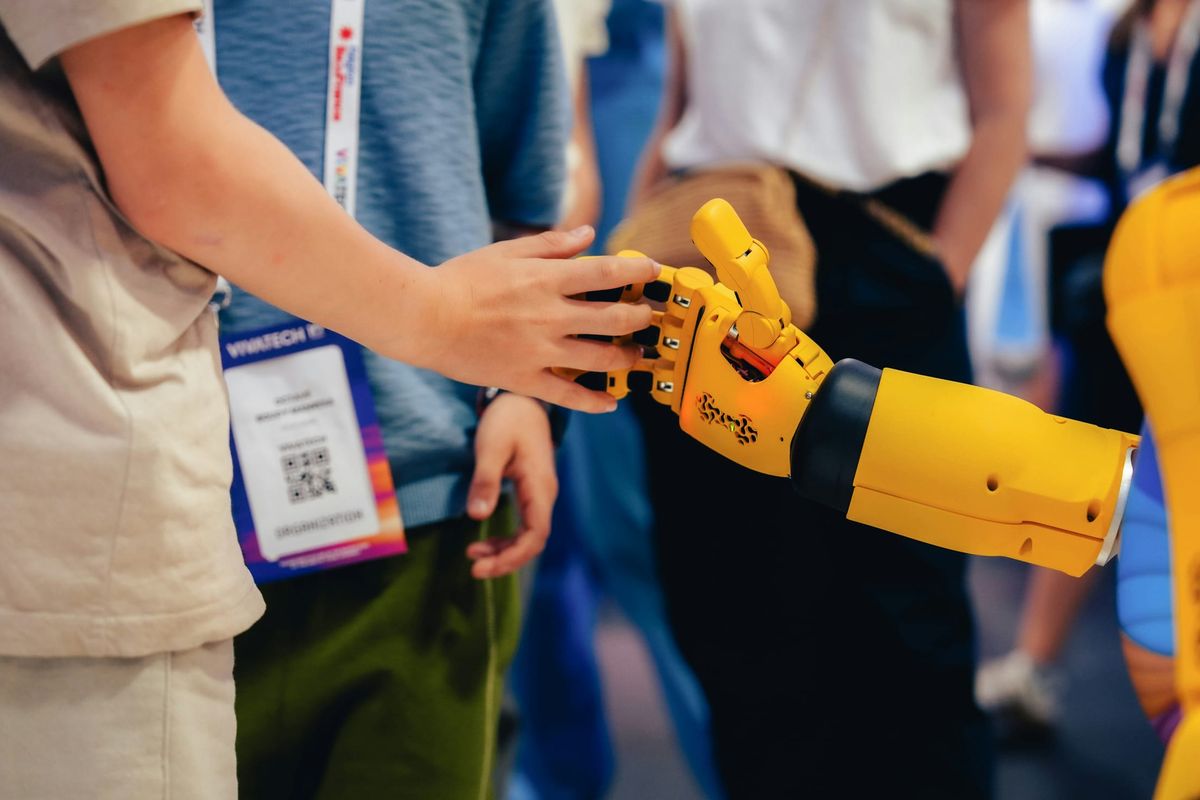
How Does ChatGPT Actually Work? A Plain Explanation for Parents and Teens
ChatGPT does not look anything up, and it has no way of knowing whether it is right. It guesses the next word, over and over, very well. Here is what that actually means — and why understanding it changes how your teen uses it.
7 min read Read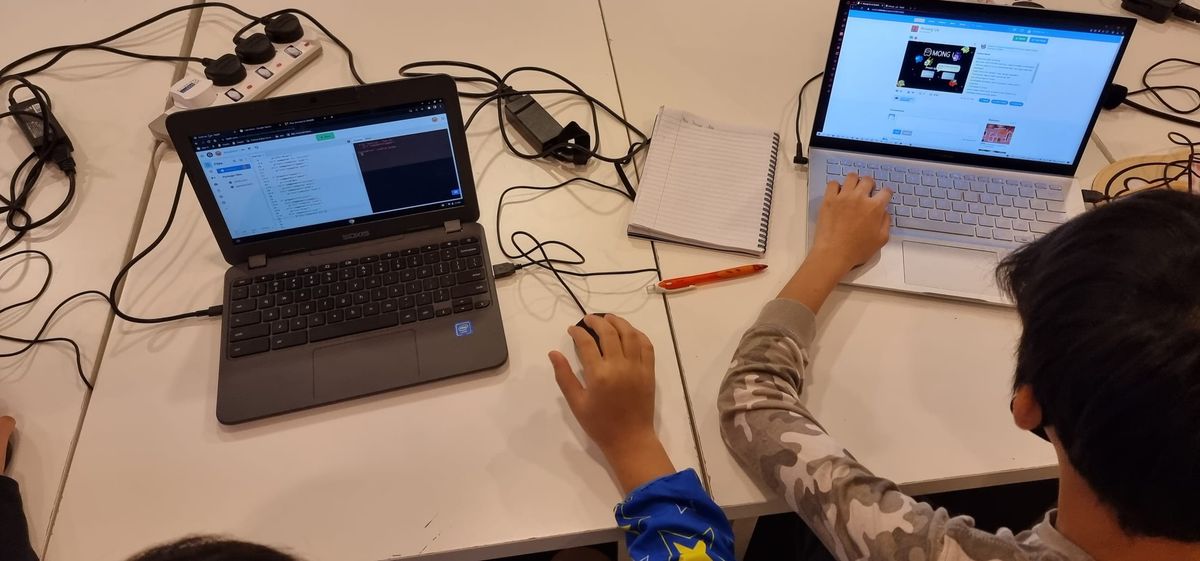
AI and Coding for Kids and Teens: What to Learn at Each Age
If AI can write code, should your child still learn to? Yes — but what they learn should change with their age. A practical guide to AI and coding for kids and teens, from 7 to 17.
6 min read Read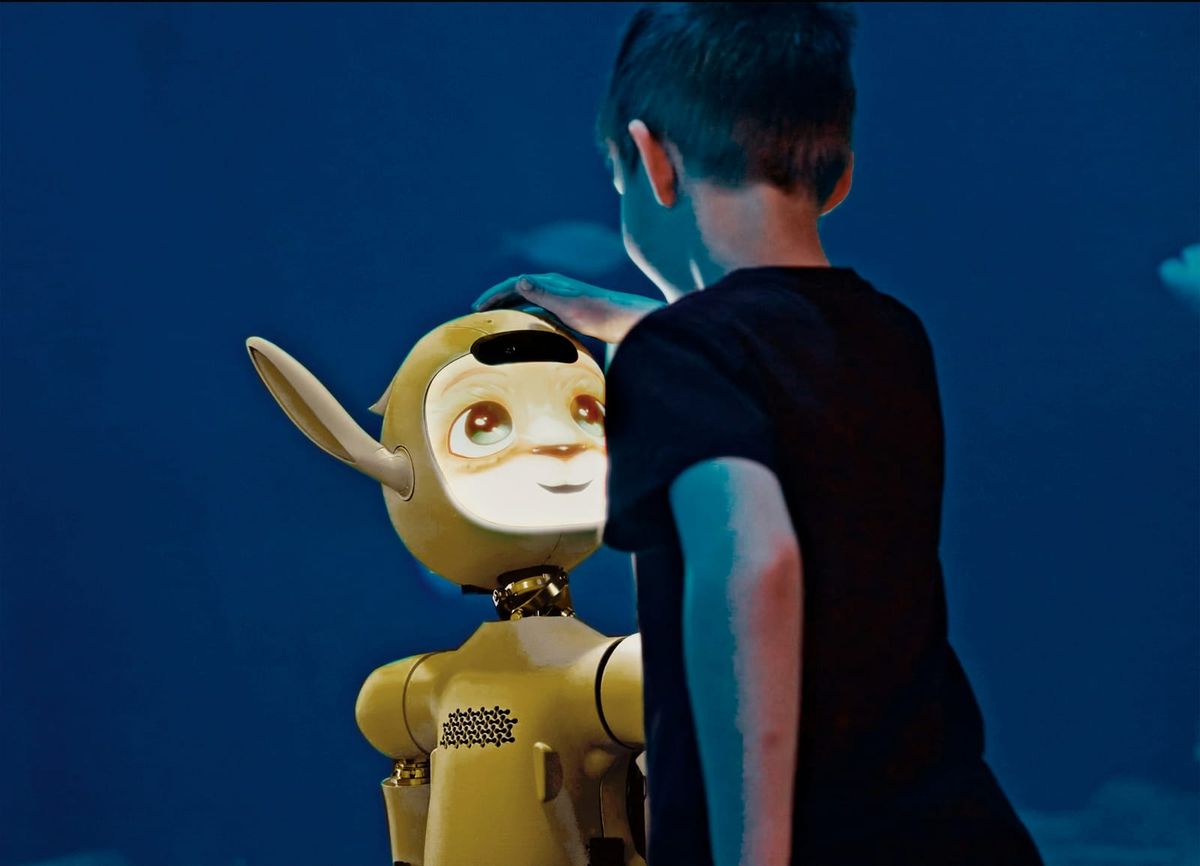
AI for Kids: A Parent's Guide
Your kid has almost certainly used AI today. Here's a plain-English guide for parents: what AI actually is, why it's worth understanding, how to keep it safe, and a few myths to drop.
5 min read Read
Ready to Start Building?
Book a free 45-minute trial class. No commitment, no credit card — just great learning.