A student asks an AI to explain photosynthesis and gets a clear, patient answer pitched exactly at their level. They ask a follow-up, then another, and in ten minutes they understand something that a chapter of their textbook didn't manage to teach them. That is real, and it's remarkable.
The same student asks the same AI to check a maths answer. It agrees, confidently, with a wrong one. They hand in the homework and lose the marks.
Both of those things happen every day, often to the same child in the same evening. This post is about why, and about what kids need to understand about AI so they get the first experience far more often than the second.
Quick Answer: AI is a genuinely powerful learning tool for kids. It explains, quizzes, gives feedback and never runs out of patience. But AI is built on probability, so it will sometimes produce answers that are confidently wrong, and it can't tell you when that's happening. The kids who benefit most are the ones who understand how AI works, use it for the tasks it's good at, and check it on the tasks where it isn't. That understanding is what good AI classes for kids should teach, and it's why our students learn to build AI in Python before they lean on it.
AI Really Is a Powerful Learning Tool
I want to be clear about this before saying anything cautious: I'm enthusiastic about AI for learning. Used well, it gives every child something that used to be available only to the lucky few, a tutor who is always there.
Here's what it does well:
- It explains things again, differently. If the first explanation doesn't land, a student can ask for a simpler one, an analogy, an example from football or Minecraft. No teacher with thirty students can do that for every child.
- It never gets impatient. Kids who are embarrassed to ask a question for the third time in class will happily ask a machine for the tenth.
- It quizzes. "Give me five questions on the causes of World War One and tell me what I got wrong" is one of the best revision prompts there is.
- It gives fast feedback. A draft essay, a science explanation, a Python error message. A student can get a first opinion in seconds instead of waiting for the next lesson.
- It lets them play. Write a poem in the style of a pirate. Explain black holes as a bedtime story. Invent a language. Curiosity that would once have gone nowhere now gets an answer straight away.
A child who learns to use AI like this has a real advantage, not just in coding but across every subject at school.
But AI Is Not the Be-All and End-All
The trouble starts when a child decides that AI is always right, or that they no longer need to understand something because the AI does. That belief holds up right until the moment the AI doesn't deliver, and then it fails badly: in an exam, in a test without a device, or in a homework answer that looked perfect and wasn't.
Kids who depend on AI tend to suffer twice when it lets them down. First they get the wrong answer. Then they find they can't fix it themselves, because they never built the understanding the AI was standing in for.
The answer isn't to keep children away from AI. It's to give them an accurate picture of what it is.
Why AI Sometimes Gets It Wrong: It's Partly Random
Most kids, and most adults, imagine that an AI chatbot looks answers up, a bit like a very clever search engine. It doesn't. A language model writes its reply one word at a time, and at each step it is choosing the next word based on probability: which words are likely to come next, given everything so far.
Crucially, it doesn't always pick the single most likely word. A bit of randomness is deliberately mixed in, because without it the writing becomes stiff and repetitive. That randomness is why you can ask the same question twice and get two different answers. It's also why, every so often, the model wanders down a path that sounds completely reasonable and is simply wrong.
The model has no built-in alarm that goes off when this happens. A wrong answer is written in the same confident tone as a right one, because confidence is just another pattern in the text it learned from. We go into the detail in how ChatGPT actually works, but the short version for kids is this:
AI is very good at producing answers that sound right. Most of the time they are right. Sometimes they aren't, and it can't tell the difference.
Once a child really understands that, everything else about using AI sensibly follows from it.
Where Python Comes In
You can tell a teenager "AI makes mistakes, always check it" a hundred times. It rarely sticks. What sticks is watching it happen inside a program they wrote themselves.
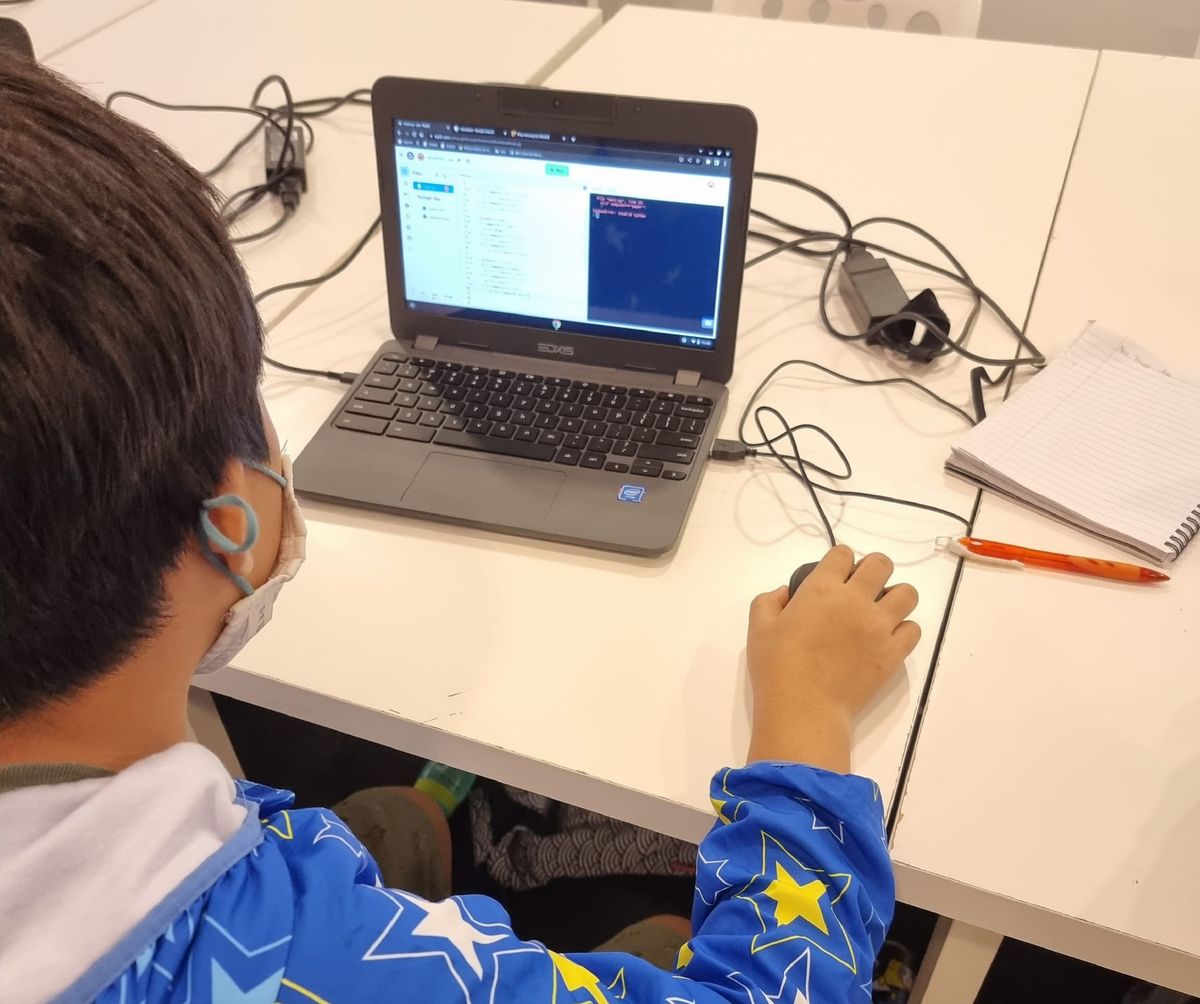
In our AI & Python course, students learn Python from scratch and use it to build their own word prediction engine, a small version of the same idea behind ChatGPT. They feed it a book or a set of song lyrics, and it learns which words tend to follow which. Then they add a "temperature" setting that controls how much randomness goes into each choice.
Turn the temperature down and the engine plays it safe and repeats itself. Turn it up and it gets creative, and then it starts producing confident nonsense. Students see, in their own code, the exact trade-off that makes real AI both useful and unreliable. Nobody needs to lecture them about it afterwards. They saw it. It's also one of the funniest moments of the course, which is entirely by design.
That is the real value of learning AI with Python: not only the coding skills, but a mental model of AI that is accurate. If you're wondering where a teen should begin, our guide to Python for AI covers the first steps.
Using AI Realistically: The Right Tasks for the Tool
Understanding how AI works lets kids sort tasks into the ones where it shines and the ones where it needs watching. Here's the rough guide we give students.
Good tasks for AI
- Explaining a concept a different way after the textbook didn't make sense
- Generating practice questions and quizzes for revision
- Brainstorming ideas for a project, story or essay
- Giving feedback on a draft the student wrote themselves
- Explaining what an error message in their code means
- Playing with ideas just for fun
Tasks where AI needs checking
- Maths and calculations. Language models predict text; they don't reliably calculate. Always work it out or verify it another way.
- Facts, dates, names and quotes. AI can invent sources and details that look completely real. Check anything that matters against a textbook or trusted site.
- Anything recent. A model only knows what was in its training data, unless it's searching the web.
- Code that has to work. AI-written code is often close but subtly broken. Run it, test it, read it.
Tasks AI shouldn't do for them
- The thinking that the homework was set to practise
- Anything they'll later need to do on their own, in an exam or in real life
A useful rule of thumb: if you can't check the answer, you can't trust the answer. Kids who can check AI get its full benefit. Kids who can't are gambling. Our post on using AI for homework goes deeper into where the line sits for schoolwork.
Plan for AI Not Delivering
Professional software engineers use AI constantly. They also assume, every time, that it might be wrong. They review its code, run their tests, and keep the understanding they need to fix things when the AI goes off track. They plan for it not delivering, and as a result it rarely hurts them.
That's the habit we want kids to have:
- Use AI to get started, not to finish. A first explanation, a first draft, a first idea. The last step is theirs.
- Ask it twice. If two answers to the same question disagree, that's a sign to slow down and check.
- Keep the skill. If they couldn't do it without AI, they don't really know it yet.
- Expect the occasional miss. Not as a disaster, just as part of how the tool works.
A child who expects AI to be wrong sometimes isn't let down when it is. They just check, fix it, and carry on.
DotCode AI: A Place to Experiment and Play
Understanding all this is much easier with the real thing in front of you. That's why every DotCode student gets access to DotCode AI, our platform that brings the latest AI models from the leading providers together in one place.
Students use it well beyond their coding lessons. They can:
- Learn across other subjects: get a science concept explained three ways, quiz themselves on history, or get feedback on an English composition.
- Compare models side by side: ask the same question to different AIs and see how, and why, the answers differ.
- Catch AI being wrong: test models on tricky maths or obscure facts and spot the confident mistakes for themselves.
- Experiment and play: write stories, invent games, ask strange questions, and see what happens.
Because they've built a small language model in class, they're doing all of this with a clear idea of what's happening on the other side of the screen. That combination, real access plus real understanding, is what turns AI from a crutch into a genuine advantage. If you're curious how we keep it safe, here's how DotCode AI keeps students safe.
What Good AI Classes for Kids Should Leave Them With
If you're looking at AI classes for kids and teens, it's worth asking what your child will come away with. A good course should leave them with:
- Enthusiasm. A sense that AI is exciting and that they can use it to learn almost anything.
- An accurate mental model. An understanding that AI predicts rather than knows, and that some randomness is built in.
- Judgement. The ability to pick the right tasks for AI and check the ones that matter.
- Real skills of their own. Python, problem-solving, and the confidence to fix things when the AI can't.
Powerful, but not perfect. Kids who understand both halves of that sentence will be using AI well long after today's tools have been replaced.
AI and Python Classes in Singapore
Our AI & Python course is for teens aged 13–17 and needs no coding experience. Classes run in small groups of up to 6, in person at our Jurong East studio or live online, and every enrolled student gets access to DotCode AI. Younger kids can start with Roblox or game development and come to AI with some code behind them.
Every course starts with a free 45-minute trial lesson. Book a free trial class and let your child see what AI looks like from the inside.