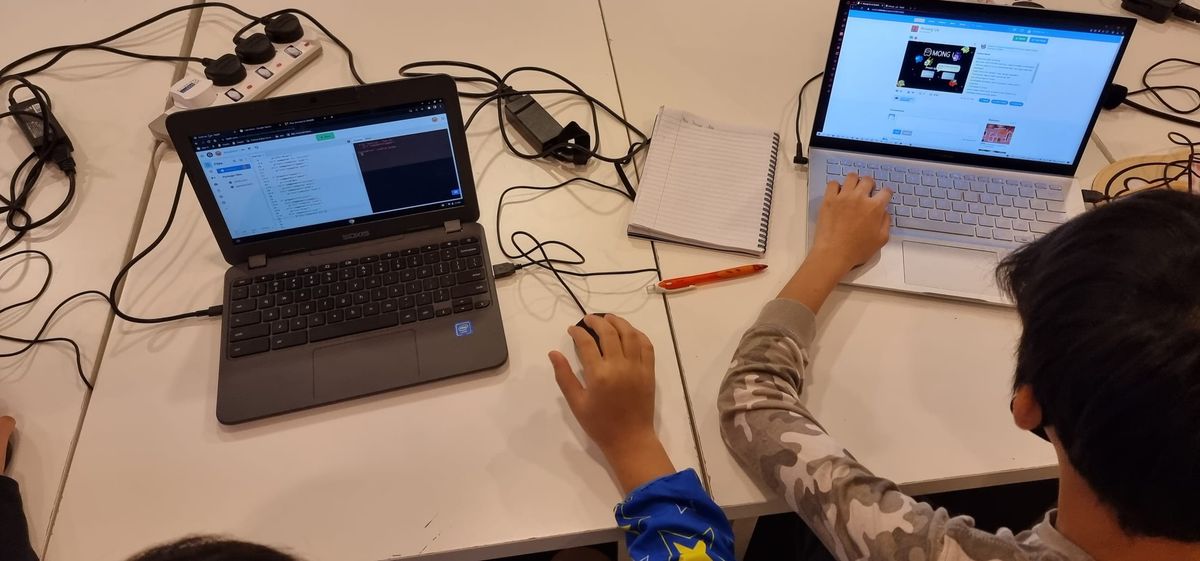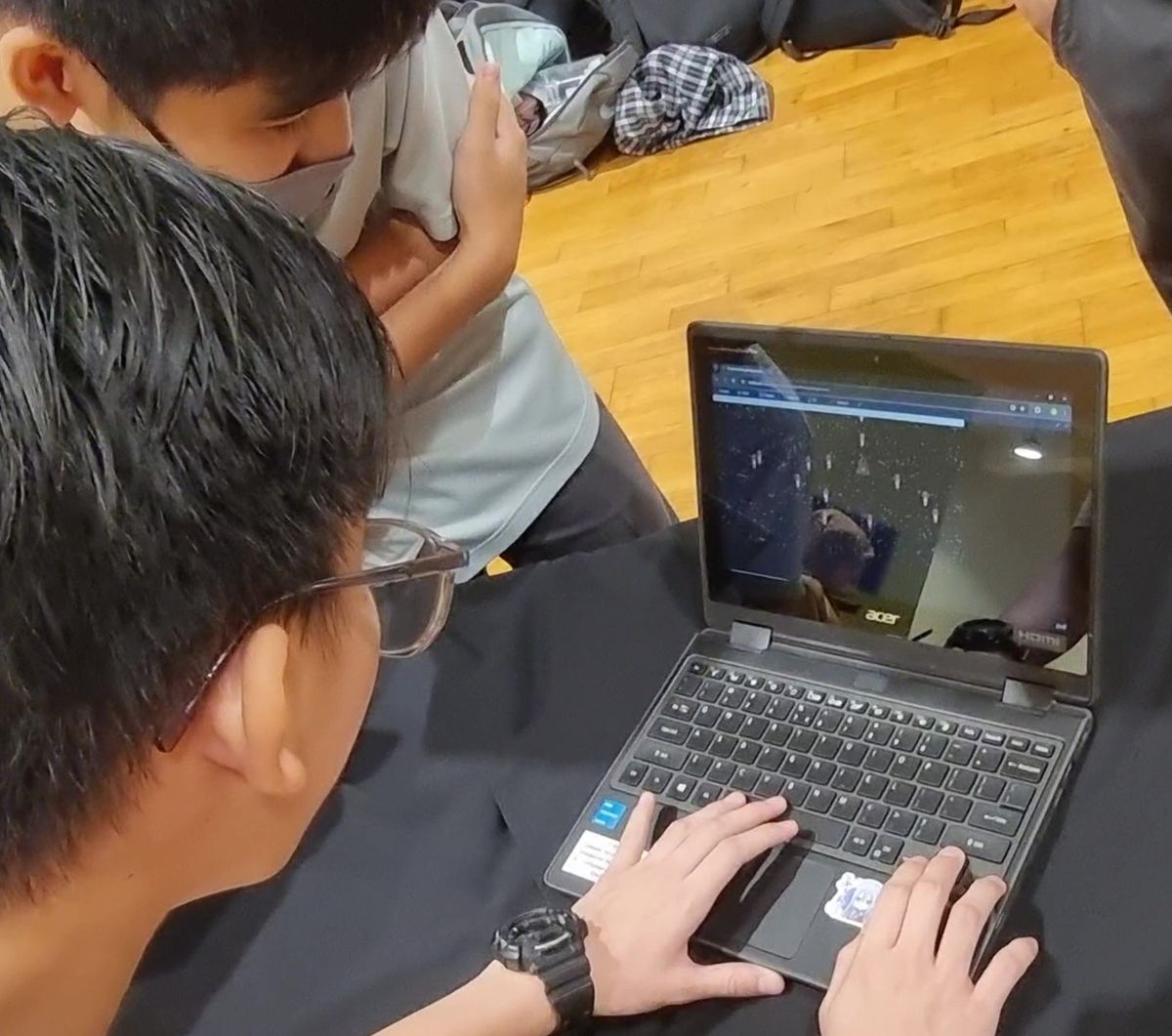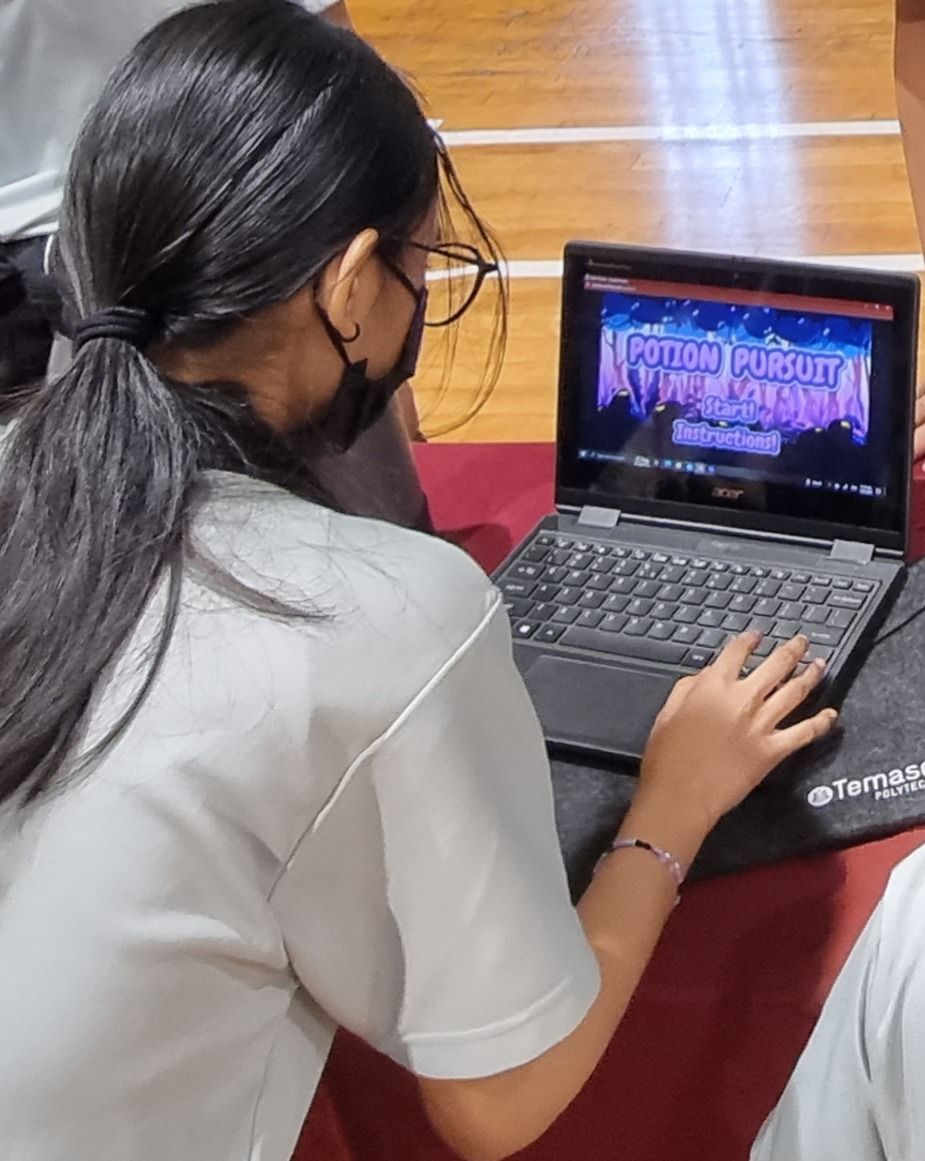
Most subjects teach one kind of thinking. Maths trains logic, art trains creativity, and the softer skills, like understanding how someone else feels, get picked up somewhere along the way, if at all.
Game development is unusual because it needs all three at once. A game has to work, which takes logic. It has to be worth playing, which takes imagination. And it has to be fun for somebody who isn't you, which takes empathy. Leave out any one of those and the game falls apart, and a child can see that straight away.
Quick Answer: Game development teaches kids real computer science (events, loops, conditions and variables) through problems they actually care about solving. It builds creativity, because every game starts as an idea that needs designing, and empathy, because a game is only good if someone else enjoys playing it. For children who already love games, it holds their attention like few subjects can. Kids aged 7 to 12 usually start with Roblox coding; teens aged 12 to 17 build standalone games in Construct 3.
What Kids Learn From Game Development: Real Computer Science
Children don't need to be told they're learning computer science while they build a game. They discover each concept because the game won't work without it.
Events: making things happen
Every game is a set of reactions. When the player presses space, jump. When the ball hits the wall, bounce. When the timer reaches zero, end the level.
That pattern of "when this happens, do that" is called event-driven programming, and it's how nearly all modern software works. Every app that responds to a tap and every website that responds to a click uses the same idea. A child who has built a game already understands it, even if nobody has told them its name yet.
Loops: things that keep happening
Enemies patrol back and forth. Coins spin forever. Every frame, the game checks whether the player is touching lava. Behind all of that is a loop: an instruction to keep doing something, over and over, until told to stop.
Loops are one of the first ideas in any programming course, and usually one of the driest. In a game they're obviously useful: without one, the enemy takes one step and freezes.
Conditions: the logic part
This is where the real thinking happens. The door should open if the player has the key. The enemy should take damage if it was hit by the player's arrow and it isn't already defeated and the level hasn't ended.
Working out those rules, and then working out why they don't behave as expected, is exactly the reasoning programmers do all day. A game makes mistakes obvious. If the logic is wrong, the door stays shut or the enemy never dies, and the child sees it immediately.
Variables: a game has a memory
Score, lives, health, which level you're on, whether you've already collected the key. Each of these is a variable, a value the game remembers and changes as it runs. Keeping track of them, and making sure they reset when they should, teaches children to think about state: what is true right now, and how it changes.
Put events, loops, conditions and variables together and you have the core of programming. Games just give children a reason to want to learn them.
Roblox Coding: The Same Concepts, on a Platform Kids Already Love
For younger children, Roblox is often the best way in. They already play it, so there's nothing to sell. In Roblox Studio, they build 3D worlds and then bring them to life by writing real code in Luau, Roblox's scripting language.
Every concept above shows up within the first few lessons:
- Events: a lava brick's
Touchedevent fires when a player steps on it. - Conditions: if the thing that touched it is a player, take away a life.
- Loops: a platform that keeps moving back and forth, or a countdown timer.
- Variables: coins collected, checkpoints reached, points on a leaderboard.
And because Roblox games can be published and shared with a single link, friends can play the result the same day. Few things motivate a nine-year-old more than a classmate asking how they made it. Our guide to Roblox coding for kids goes into more detail.
Creativity: Every Game Starts as an Idea
Coding is often presented as purely logical, but a game begins with imagination. What's the world? Who's the character? What's the challenge? What makes level three harder than level two, in a fun way rather than an unfair one?
Children design the characters, build the levels, choose the music and invent the rules. Two students given the same starting brief will finish with completely different games, because the ideas came from them. That ownership matters: a child is far more invested in fixing a bug in their game than in an exercise from a worksheet.
It's also a good lesson in creativity under constraints. A great idea still has to be built with the tools available, in the time available. Learning to adapt an idea so it can actually be made is a skill that goes well beyond games.
Empathy: Is It Fun for Someone Else?
This is the benefit parents rarely expect.
A game isn't finished when it works. It's finished when someone else enjoys playing it, and that means a young designer has to step outside their own head. Is this jump too hard for someone who's never played before? Will a new player understand what to do? Is this level exciting, or just frustrating?
The answers come from playtesting: watching a friend play your game. It's often humbling. The puzzle you thought was obvious leaves everyone stuck, and the boss you thought was easy beats everyone in seconds. The useful response isn't "you're playing it wrong", it's "how do I make this better for them?"
That habit of seeing your work from someone else's point of view, and taking feedback without getting defensive, is empathy in practice. It's the same skill that makes good engineers, good designers and good teammates.
Why Game Development Works So Well for Kids Who Love Gaming
Parents often see their child's love of games as competition for their attention. Game development uses that love instead of fighting it.
A child who enjoys playing games already knows what makes a game feel good. They have opinions about controls, difficulty and pacing, and they've spent hours forming them. Building a game gives those opinions somewhere to go. The question changes from "what should I play next?" to "how do I make mine better?"
Then there's focus. Keeping a young person's attention is hard when there's always something more interesting nearby. But it's hard to drift off when the most interesting thing in the room is their own game: their character, their levels, and the bug they're one fix away from solving. Students who struggle to sit still elsewhere will happily spend a whole lesson working out why their character falls through the floor.
That kind of focus isn't forced. It comes from caring about the result, and it's a habit that carries into everything else they learn.
Long-Term Benefits Beyond Games
Not every child who builds games will become a game developer, and that's fine. The skills carry over:
- Computational thinking: breaking a big problem into small, solvable steps.
- Real programming concepts that transfer directly to Python, web development and beyond.
- Persistence: debugging teaches that a problem you can't solve yet isn't one you can't solve.
- Design thinking: building for a user, testing with them and improving.
- Finishing things: a completed, published game is a real achievement, and children who have finished one approach the next challenge differently.
Roblox or Construct 3: Which Game Development Course Fits Your Child?
Roblox Game Dev (ages 7–12): 3D world building in Roblox Studio, then real Luau scripting. Ten lessons, ending with a published Roblox game your child can share with friends.
Game Development with Construct 3 (ages 12–17): standalone 2D games built with event-based logic, from platformers to a finished, playtested game published on the web. Ten lessons, and the teen-friendly next step after Roblox. Our guide to game development for teens covers what they build.
Still deciding? Our age-by-age guide to game development courses walks through the whole path.
Frequently Asked Questions
Is game development good for kids?
Yes. Building games teaches real programming concepts (events, loops, conditions and variables) alongside creativity, problem-solving and empathy for the player. Because kids care about their own game, they stay focused and keep going when something breaks.
What age can kids start game development?
Around 7. Our Roblox course runs for ages 7 to 12, and teens aged 12 to 17 move on to Construct 3. Our guide on what age kids should start coding has more detail.
Is Roblox coding real coding?
Yes. Roblox games are scripted in Luau, a real text-based programming language based on Lua. Kids write code for events, conditions, loops and variables, the same concepts used in Python and every other language.
Does my child need coding experience?
No. Both our Roblox and Construct 3 courses are for beginners and start from the basics.
Start Game Development Classes in Singapore
Our game development classes run in person at our Jurong East studio or live online, in small groups of up to 6, so every child gets help when they're stuck.
Every course starts with a free 45-minute trial lesson. Book one and watch what happens when your child stops just playing games and starts building one.