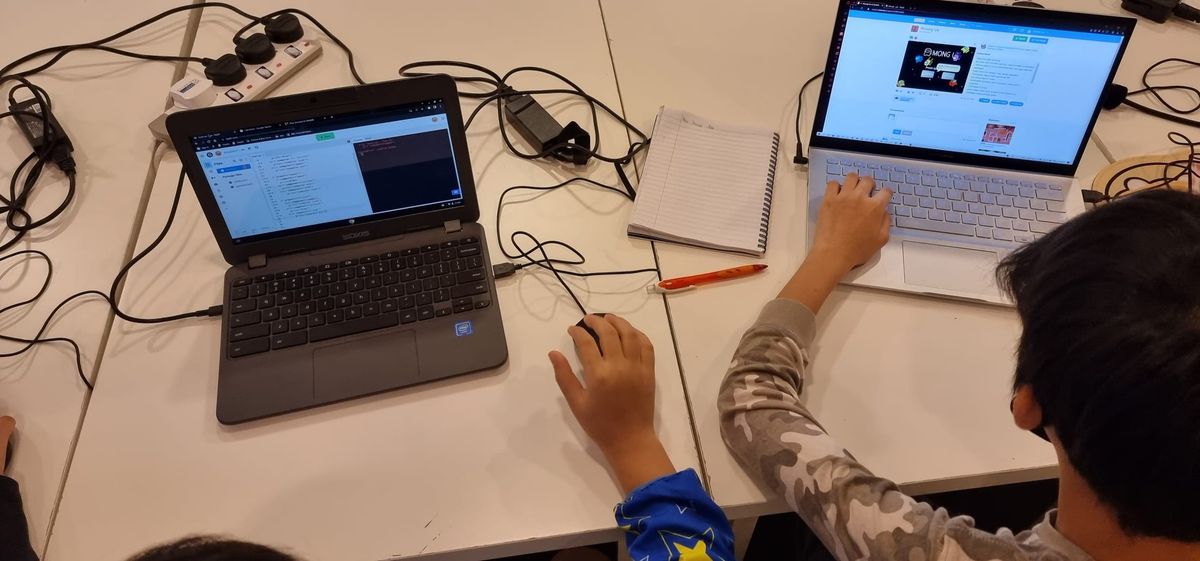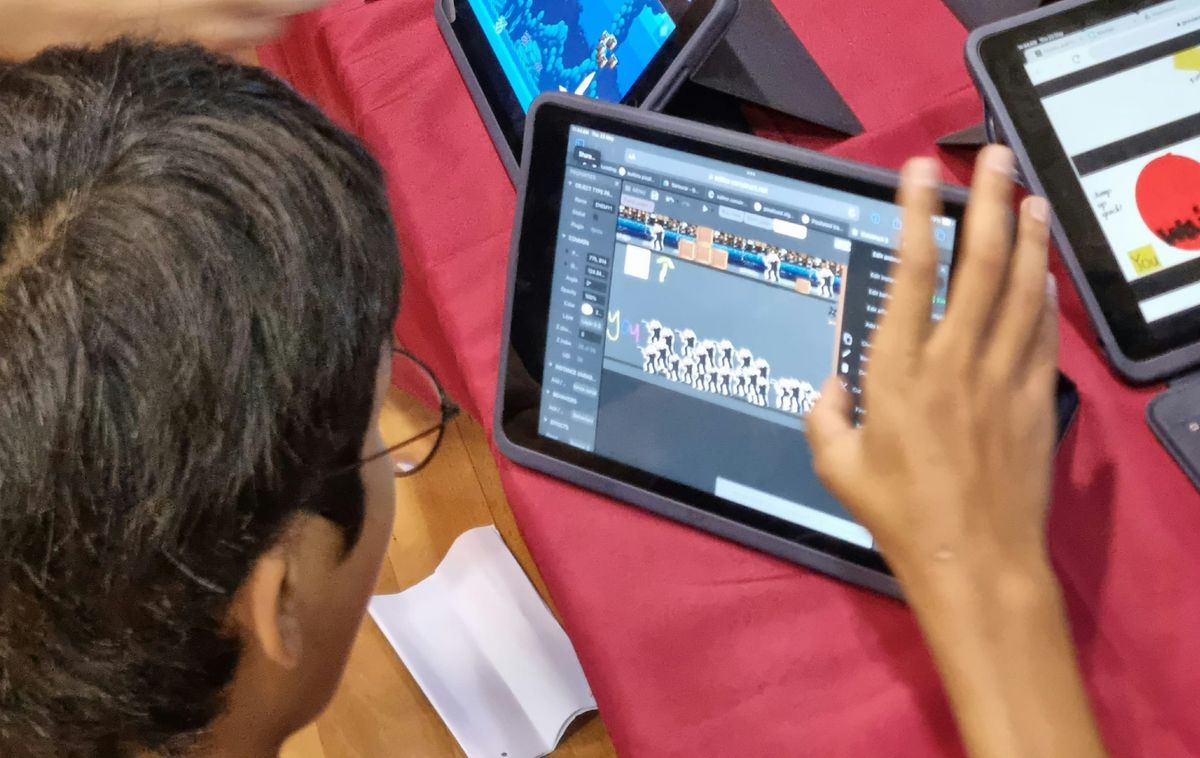
When parents ask about our game development course, the first question is usually "but what will my child actually make?" It's the right question. A course description full of words like "events" and "game state" doesn't tell you much until you see the games.
So here they are: the two games every student builds, and what each one teaches.
Quick Answer: In our game development course for teens, students build their games in Construct 3. They start with a platformer and learn every part of it: events, conditions, game art, and layers that move at different speeds to give a flat 2D game a sense of depth. Then they build a top-down police chase, where an AI police car recalculates its route to the player every second, and students tune it until the chase is fair and fun. The course ends with an original game of their own.
Game 1: The Platformer
Platformers are the classic first game for a reason. Run, jump, avoid the hazards, grab the coins, reach the end. Everyone knows how one should feel, which makes it the perfect place to learn how one actually works. We don't rush through it. Students build it up piece by piece until they understand every part of it.
Events and conditions: how games think
In Construct 3, the logic of a game lives on an event sheet. Each event is a rule: when something happens, and these conditions are true, do these actions. For example:
- When the player presses the jump key, and the player is on the floor, make the player jump.
- When the player touches a coin, add 1 to the score and remove the coin.
- When the player touches a spike, take away a life and send them back to the last checkpoint.
That "and the player is on the floor" is a condition, and it's what stops a character jumping forever in mid-air. Small rules like this are where students first start thinking like programmers: what exactly should happen, and when should it not happen? It's the same if-then logic they'll use in Python or JavaScript later, without having to fight the punctuation yet.
Game art
A platformer is also where students learn that a game is more than code. They work with sprites, tiles and animations: a character that runs, jumps and falls with different frames for each, enemies that move, and a level built from tiles that fit together. They learn how the art and the logic connect, such as switching to the "jump" animation the moment the jump event fires. When the two line up, the game suddenly feels alive.
Giving a 2D game depth
This is the part students love showing off. A 2D game is flat: everything sits on one screen. But you've probably noticed that in good platformers, the mountains in the distance drift past slowly while the trees up close rush by. That's called parallax.
Students build it with layers. The game world sits on one layer, and the background is split into several more behind it: far hills, nearer trees, clouds. Each layer is set to scroll at a different speed. The furthest layer barely moves, the nearest moves almost as fast as the player. Nothing about the game is 3D, but your eye reads it as depth. It's a simple trick with a big effect, and it teaches students that a lot of game "magic" is clever, simple ideas working together.
Making it fair and fun
Finally, students design their levels: where the gaps go, how far a jump should be, when the first enemy appears. They playtest each other's games and quickly find out that a level that's fun for the person who built it can be impossible for everyone else. Learning to design for the player, not just for yourself, is one of the most valuable lessons in the course.
Game 2: The Police Chase
Once the platformer is mastered, students move to a completely different kind of game: a top-down car chase. The player drives a car around a city seen from above, and a police car chases them. Get caught, and it's game over.
It's the game students talk about most, because now they aren't just building a world. They're building an opponent with a mind of its own.
An AI that hunts you down
The police car isn't following a fixed route. It's controlled by a simple AI that works out how to reach the player. Construct 3 has a pathfinding behaviour that looks at the map, sees which roads are open and which are blocked by buildings, and finds a route from the police car to the player.
But the player keeps moving, so a route that was right a second ago is already out of date. So every second, the police car recalculates its path to wherever the player is now. In plain terms, the event says: every 1 second, find a path from the police car to the player; when a path is found, drive along it.
It's only a couple of events, but the result feels surprisingly smart. Cut through an alley and the police car adjusts. Double back and it turns around. Students meet a real game AI in action, and they understand exactly how it works because they built it.
Tuning the AI until it's fun
Here's where the real learning happens. The first version of the chase is almost never fun. Either the police car is too fast and catches you in three seconds, or it's too slow and you can drive circles around it forever. So students start adjusting:
- Speed: should the police car be slightly slower than the player, so a good driver can escape?
- Reaction time: what happens if it recalculates every half second instead of every second? Or every two seconds? The police get sharper or sloppier, and the whole feel of the chase changes.
- Turning: how tightly can it take a corner? Wide turns give the player a chance to lose it.
- The map: where are the shortcuts, dead ends and obstacles? Change the city and you change how the AI hunts.
- More pressure: should a second police car join after 30 seconds?
Each change takes moments to make, and students test it straight away by playing. Interacting with an opponent they built, and adjusting it until the game feels just right, is far more fun than any worksheet. It also teaches something real game designers spend years on: the "best" AI isn't the one that always wins. It's the one that makes the game exciting.
Then: Their Own Game
The platformer and the police chase give students two genres, and a toolkit of events, conditions, variables, game art, layers and AI to draw from. In the final part of the course, they put it all to use, designing and building an original game of their own, then publishing it to the web so friends and family can play it from a link. Many of them mix ideas together: a platformer with an enemy that hunts you, or a chase game with a scrolling background.
If you'd like to see how the course fits with our other programmes, our guide to game development courses by age explains where Construct 3 sits between Roblox and Python.
Try It
Our game development course is for teens aged 12 to 17, with no coding experience needed. Classes run in small groups of up to 6, in person at our Jurong East studio or live online. Book a free trial class and your child can start building their first game in the very first lesson.