Search for a game development course in Singapore and you'll find dozens of them, nearly all promising the same thing: your child will build their own game. Most of them are telling the truth. The question is what kind of game, and how much of it your child actually built.
I run one of these courses, so take this with the appropriate pinch of salt. But the checklist below is the one I'd use if I were a parent comparing options, including ours.
Quick Answer: A good game development course for kids and teens in Singapore matches the engine to your child's age (Scratch or Roblox for under-12s, Construct 3 for 12 to 17, Unity or Godot only for older teens who already code), keeps groups small enough that the teacher sees every screen, and ends with an original game your child designed rather than a copy of the teacher's. Ask what students finish with, how much of it is their own, and what happens when their code breaks. A free trial lesson will tell you more than any brochure.
1. Which Game Development Course Fits Their Age?
This is the decision that matters most, and the one most often got wrong in both directions.
- Ages 7 to 11: Scratch or Roblox. Block-based or lightly scripted, with fast results. Roblox has the extra pull that friends can play the result straight away.
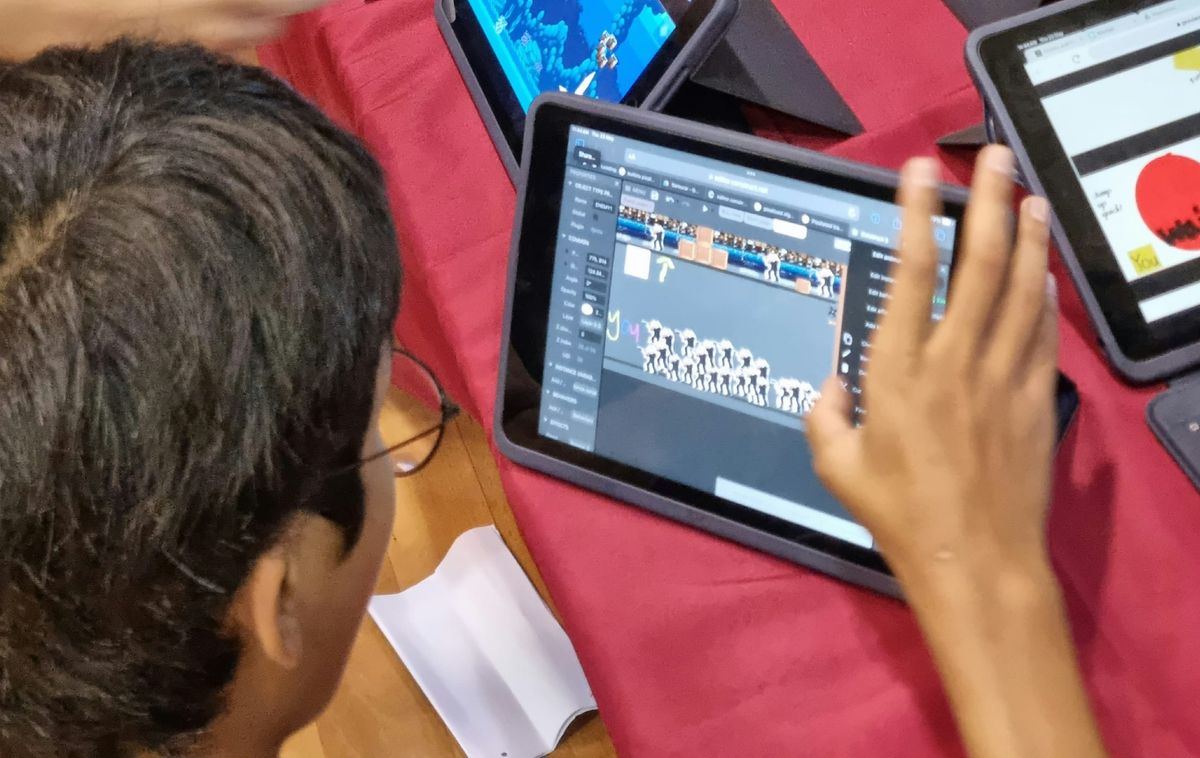
- Ages 12 to 17: Construct 3. A professional 2D engine that runs in the browser and expresses logic as events and actions. It removes syntax without removing the thinking, so teens spend their effort on game systems rather than missing brackets. It's the engine our Construct 3 game development course is built on.
- Older teens who already code: Unity, Godot or Unreal. Powerful, but they assume programming fluency and a capable computer. A 12-year-old beginner dropped into Unity typically spends the course copying code they don't understand.
Our guide to game development courses for kids and teens by age covers each stage in more detail. Be wary of a course that puts a beginner teen in Unity because it sounds more impressive. Equally, a 14-year-old in a Scratch class often feels talked down to and switches off. The engine should stretch them, not bury them or bore them.
2. Does Your Child Finish With Their Own Game?
Ask to see games past students made. Then look at whether they all look the same.
If every student's final project is the same platformer with the same character and the same three levels, the course taught them to follow instructions. That has some value, but it isn't game development. Game development is deciding what the game is, then working out how to make it.
The strongest courses split into two halves: guided projects that teach one mechanic at a time, followed by an original game where the student picks the genre, the rules and the art. That second half is where most of the learning happens, because it's the first time nobody hands them the answer.
3. Do the Game Dev Classes Teach Programming, or Just Clicking?
Every engine has shortcuts. Construct 3 has built-in behaviours for platformer movement; Roblox has free models you can drag in. These are fine as starting points, and a course that bans them is making life hard for no reason.
The question is whether the course goes past them. By the end, your child should be able to explain concepts like these in their own words:
- Events and conditions — "when the player touches the enemy, lose a life, but only if they aren't invincible."
- Variables and game state — score, health, which level you're on, whether the door is unlocked.
- Loops and spawning — enemies that keep appearing, coins that reset each round.
- Debugging — why the character falls through the floor, and how they worked it out.
Those are the same ideas behind every programming language. If a course covers them properly, the move to Python or JavaScript later is mostly learning new spelling. Our guide to game development for teens goes deeper on why event-driven logic counts as real programming.
4. How Big Are the Game Development Classes?
Game development produces a specific kind of problem: every student's bug is different, because every student's game is different. In a class of 20, a teacher can explain a concept once, but they can't debug 20 different games.
Around 12 students per teacher is roughly the ceiling for a class where students build original projects. Ask what the ratio is, and ask what happens when a student gets stuck. "The teacher comes over and helps them find the bug" is a good answer. "There's a video they can rewatch" is a worse one.
5. Do Students Get to Playtest?
This is the part most coding courses skip, and it's the part I'd look for hardest.
A game isn't finished when it works. It's finished when someone else can play it without the creator standing over their shoulder explaining. Watching a classmate get stuck on a jump you thought was easy is the fastest lesson in design there is, and it teaches something beyond games: building for somebody other than yourself.
Ask whether students play each other's games during the course and change their designs based on what they see. If the only audience is the teacher, a big part of the subject is missing.
6. Can They Share What They Made?
A game that only runs on the school's computers dies at the end of term. Look for a course where the finished game is published somewhere your child can send a link to grandparents, cousins and friends. Construct 3 games run in any browser; Roblox games live on Roblox. Either works.
It sounds like a small thing. It isn't. A teenager who has shipped something people actually played approaches the next project differently.
7. Online or In-Person Game Development Classes?
Game development works well in both formats as long as the class is live and small. In person has the edge for playtesting, since it's easier to hand a classmate the laptop. Online saves travel time and works fine with a teacher who can see each student's screen. Because Construct 3 runs in the browser, there's nothing to install at home either.
What doesn't work well is pre-recorded video for a beginner. Game development is mostly getting stuck and unstuck, and a video can't see the bug.
Questions to Ask Before Booking a Game Development Course
- Which engine do you use, and why for my child's age?
- Can I see some final games from past students?
- How much of the final project is the student's own design?
- How many students per teacher?
- Do students playtest each other's games?
- Will my child be able to share the finished game?
- Is there a trial lesson?
Any course worth paying for should answer all seven without hesitating.
How Our Game Development Classes for Teens Answer Them
For transparency, here's ours. Our game development courses in Singapore use Construct 3 and are for ages 12 to 17: 10 lessons of 1.5 hours, in groups of up to 12, at our Jurong East studio or live online. Students build an arcade game, a multi-level platformer and a top-down game, then design an original game of their own, playtest it with classmates, publish it to the web and present it at demo day. See the full lesson-by-lesson plan on the Construct 3 game development course page.
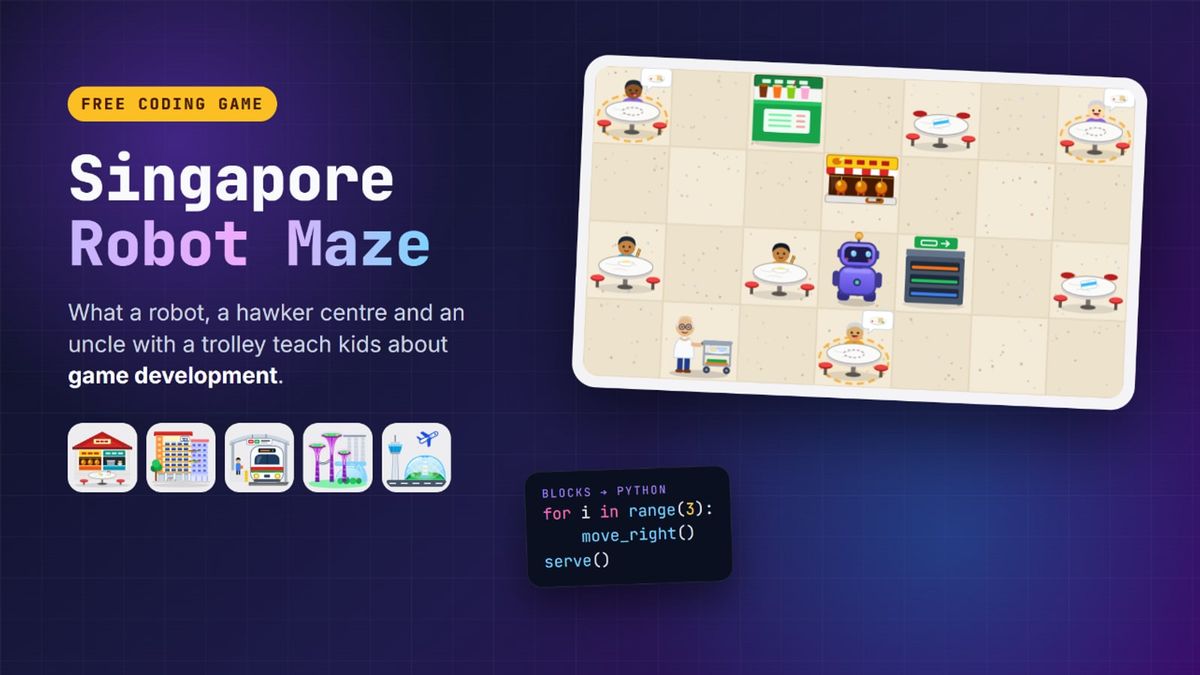
If you want a feel for how game design works before committing to anything, the free Singapore Robot Maze is a good place to start. Our post on what a robot maze teaches about making games explains what to point out while your child plays. And every course begins with a free 45-minute trial lesson, so book one and judge for yourself.